
ASUS ProArt PA248QV
4.6Editor score
100% sRGB coverage
WUXGA resolution
Ergonomic stand
Finding the right display is crucial for creative professionals who need precise color and sharp details. The ASUS Proart Monitor lineup offers a wide range of options tailored for editing, design, and productivity.
We have evaluated ten distinct models based on resolution, color gamut coverage, connectivity options, and ergonomic features. This list covers everything from budget-friendly 24-inch panels to high-end 32-inch 6K and OLED displays.
Each pick highlights specific strengths and ideal use cases for different types of creators. Please note that product availability and pricing can change frequently so verify current details before purchasing.
4.6Editor score
4.2Editor score
As an Amazon Associate we earn from qualifying purchases.
The following table provides a side-by-side comparison of all ten models highlighting their key specifications and unique features to help you decide quickly.


This model stands out as the top choice for professionals needing a balance of resolution and color performance. It holds a solid rating and offers factory calibrated accuracy right away.
We may earn a commission when you buy through this link, at no additional cost to you.
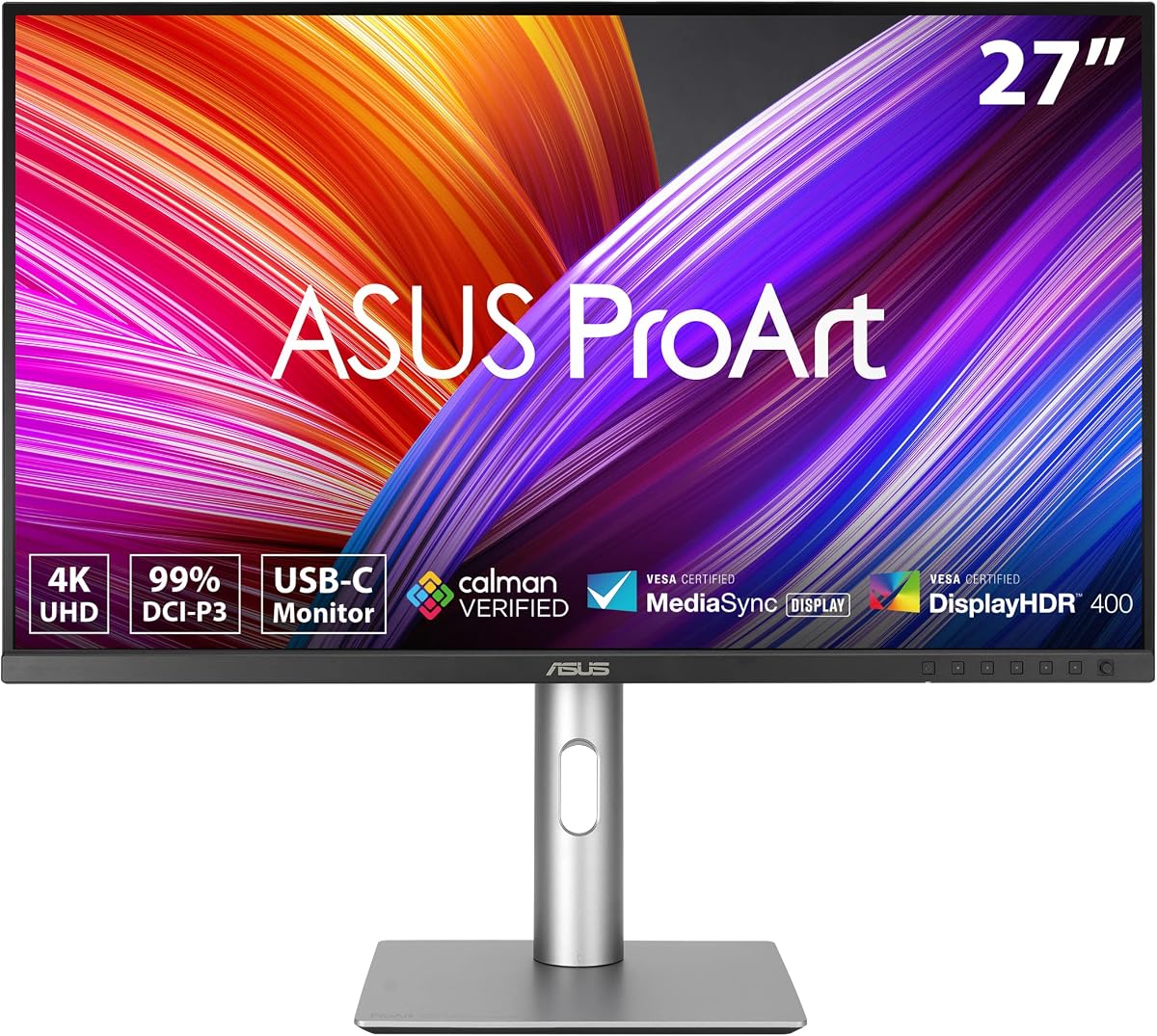
The 27-inch 4K display provides ample workspace for detailed editing. Color coverage includes 99% DCI-P3 and Adobe RGB which is critical for print and digital work.
While it lacks high refresh rates, this is expected for a color-focused panel. The USB-C port supports high power delivery reducing cable clutter on your desk.
If you need a reliable monitor for Mac or PC work this is the best overall option. It delivers consistent results for designers and photographers.
Calman Verified ensures the display meets industry standards for color correctness without extra calibration tools.
Multiple ports including HDMI DisplayPort and USB-C allow easy connection to various devices and peripherals.
We may earn a commission when you buy through this link, at no additional cost to you.
This monitor is ideal for those seeking professional features without a high cost. It receives high marks from users for its color fidelity and build quality.
We may earn a commission when you buy through this link, at no additional cost to you.
The 24-inch panel offers a 16:10 aspect ratio which provides extra vertical space for documents and code. Color accuracy is solid with full sRGB coverage.
While not as large as other options it remains very effective for general creative tasks. The anti-glare coating helps reduce eye strain during long sessions.
For students or freelancers on a budget this is the perfect entry point into the ProArt series. It offers great value for the price.
Despite the lower price it still includes factory calibration and Calman Verified technology for reliable color.
The stand allows height tilt pivot and swivel adjustments to fit your specific ergonomic needs.
We may earn a commission when you buy through this link, at no additional cost to you.
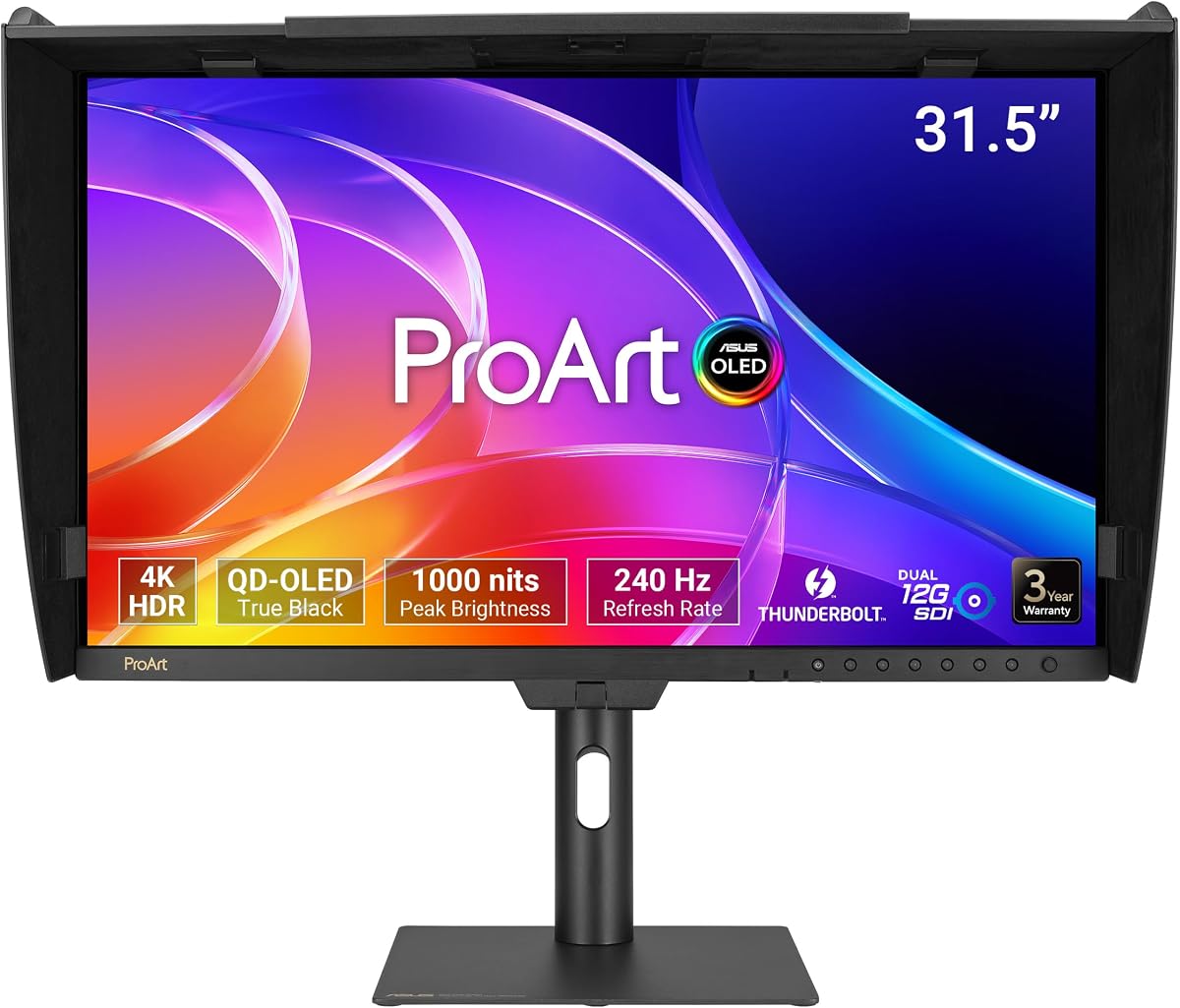
This is a flagship model designed for top-tier video professionals and editors. It features advanced OLED technology for incredible contrast and color depth.
We may earn a commission when you buy through this link, at no additional cost to you.
The panel supports a high refresh rate and fast response times which is rare for professional creative monitors. It also includes specialized SDI ports for broadcast workflows.
Although the price is steep it offers capabilities that are unmatched in other areas. The included hood helps manage reflections in bright studios.
If you need the absolute best image quality and specific connectivity for video production this is the ideal choice. It represents the peak of ProArt engineering.
True Black 400 HDR certification ensures deep blacks and vibrant highlights for cinematic grading.
Dual 12G-SDI ports allow direct connection to professional editing equipment without signal loss.
We may earn a commission when you buy through this link, at no additional cost to you.
This unit offers a sharp QHD resolution that balances detail and performance well. It is well rated for its reliability and ease of setup.
We may earn a commission when you buy through this link, at no additional cost to you.
Color accuracy meets industry standards for video editing with full Rec.709 coverage. The USB-C port simplifies connections by powering devices while transmitting data.
While it is not as bright as HDR models it is sufficient for most office and studio environments. The ability to daisy chain makes it great for multi-screen setups.
It is a solid middle-ground option for those who need a workhorse display. It delivers consistent performance for daily creative tasks without premium costs.
The included cables and single cable USB-C setup reduce desk clutter significantly.
DisplayPort daisy chaining allows multiple monitors to connect through a single output.
We may earn a commission when you buy through this link, at no additional cost to you.
This model has received a perfect rating from users which speaks to its reliability and satisfaction. It focuses on health and accuracy for long hours of use.
We may earn a commission when you buy through this link, at no additional cost to you.
The display features flicker-free and low blue light technology which significantly reduces eye strain. Color precision is maintained with Calman Verified standards.
Connectivity includes multiple options to suit various workstation setups. It is built to last with a full ergonomic stand that adjusts to any height.
For professionals who work late hours this is the most comfortable option. It combines health features with professional color accuracy seamlessly.
ASUS Eye Care technology ensures your eyes stay comfortable even after eight hours of editing.
Multiple ports including HDMI and DisplayPort allow easy connection to desktops and laptops.
We may earn a commission when you buy through this link, at no additional cost to you.
This larger display is perfect for those who need more screen space for multi-window work. It is well rated and comes with important compliance features.
We may earn a commission when you buy through this link, at no additional cost to you.
It meets Trade Agreements Act requirements which is essential for government contracts and institutional purchases. The 4K resolution ensures sharp visuals for detailed design.
The USB-C port supports high wattage delivery making it easy to dock a MacBook directly. Color performance is consistent with other ProArt units.
If you need a compliant large display for an office or institution this is the best fit. It balances compliance with high performance standards.
TAA compliance ensures you can use this in government projects without procurement issues.
High wattage USB-C allows full laptop power and data transfer through one cable.
We may earn a commission when you buy through this link, at no additional cost to you.
This monitor includes a hardware calibrator which is a rare and valuable addition. It aims for high-end accuracy with Mini LED technology.
We may earn a commission when you buy through this link, at no additional cost to you.
The bright panel and wide color gamut make it suitable for HDR grading. It is designed for professionals who need exact color matches across devices.
While some users report mixed experiences the color capabilities are strong. The included tool saves the cost of buying a separate calibrator.
It is a great choice for those who want an all-in-one color solution. Consider it if precision and calibration tools are your priority.
The included X-rite i1 Calibrator allows precise color tuning for your specific display.
1000cd/m2 peak brightness ensures HDR content pops on the screen.
We may earn a commission when you buy through this link, at no additional cost to you.
This unique model offers a high refresh rate which is uncommon for professional creative monitors. It is well rated for its smooth performance and good color.
We may earn a commission when you buy through this link, at no additional cost to you.
The 144Hz refresh rate makes scrolling and motion look very smooth. It is ideal for designers who also want to play games during breaks.
Color accuracy is maintained with good DCI-P3 coverage. It supports high power delivery so you can connect your laptop with one cable.
If you need speed along with accuracy this is the right choice. It bridges the gap between gaming and creative work effectively.
The 144Hz refresh rate provides a fluid experience for both work and play.
You do not have to sacrifice color accuracy to get a high refresh rate screen.
We may earn a commission when you buy through this link, at no additional cost to you.
This monitor is designed specifically to match the color profile of Mac displays. It offers a massive 6K resolution for extreme detail.
We may earn a commission when you buy through this link, at no additional cost to you.
The Thunderbolt 4 ports support high bandwidth and power delivery. It also includes a KVM switch which lets you control two computers with one keyboard.
While it is powerful it might be complex for some users. The Mac color match feature ensures your work looks right on your laptop.
If you are deep in the Apple ecosystem this is the top option. It handles high resolution workflows with ease.
The preset mode matches the performance of MacBooks for a seamless workflow.
Built-in KVM allows you to switch between PCs without moving cables.
We may earn a commission when you buy through this link, at no additional cost to you.
This model focuses on extreme HDR performance with very high peak brightness. It is suitable for environments where visibility is critical.
We may earn a commission when you buy through this link, at no additional cost to you.
The Mini LED technology provides local dimming which helps with contrast. It also supports a high refresh rate for smooth content viewing.
User feedback has been mixed likely due to the complexity of HDR setup. It is a specialized tool for specific professional needs.
If you need extreme brightness for HDR grading this is the right tool. It offers capabilities that are hard to find elsewhere.
1600nits peak brightness allows for vibrant highlights in HDR grading.
1152 local dimming zones provide deep blacks in dark areas.
We may earn a commission when you buy through this link, at no additional cost to you.
Selecting the right monitor involves weighing factors like resolution color accuracy and connectivity. This guide breaks down the key considerations for your workflow.
Resolution determines how much detail you can see on screen. A 27-inch 4K monitor provides a good balance for most designers while a 32-inch 6K is better for high end video work.
Choose a size that fits your desk and a resolution that matches your creative needs without straining your GPU.
Look for panels that cover 99% or 100% of sRGB DCI-P3 or Adobe RGB. Factory calibration to Delta E less than 2 ensures colors are correct out of the box.
Calman Verified models provide extra confidence that your colors will match printed or broadcast standards.
USB-C with Power Delivery allows you to charge your laptop and display video with one cable. Thunderbolt 4 is essential for Mac users who need high bandwidth.
Ensure your monitor has the ports you need for your peripherals such as HDMI DisplayPort and USB hubs.
Most creative monitors have standard refresh rates but some offer 144Hz or higher. Higher rates make scrolling and motion smoother which helps with productivity.
If you also game or work with fast motion graphics prioritize a model with a higher refresh rate.
An adjustable stand that allows height tilt pivot and swivel is vital for comfort during long sessions. Look for anti-glare screens to reduce eye strain.
A sturdy build and quality materials ensure the monitor lasts for years of heavy use.
HDR support with high nits and local dimming helps with video grading. OLED and Mini LED panels offer the best contrast and black levels.
Consider HDR needs if you edit content for streaming or cinema.
Prices vary significantly from entry level to premium. Ensure you are getting value for your specific needs rather than paying for unused features.
Check for warranty extensions and free software bundles like Adobe Creative Cloud to add value to your purchase.
Some monitors have specific features for Mac such as color matching or Thunderbolt support. Windows users should check for driver support and calibration tools.
Ensure the monitor works well with your existing laptop or desktop setup.
Connect your monitor using the appropriate cable to ensure the best signal. For best results use USB-C or DisplayPort depending on your device support.
Calibrate your display regularly using the included tools or external software to maintain color accuracy over time.
Keep the screen clean with a soft microfiber cloth and avoid harsh chemicals to protect the panel and coating.
Yes many models are optimized for Mac with Thunderbolt support and color presets. The PA32QCV and PA329CRV-P are particularly well suited for macOS workflows.
Some models like the PA32USD and PA32UCG-K support HDR with high brightness. Others are tuned for SDR accuracy which is better for print work.
Many models in this series support DisplayPort daisy chaining. Check the specific specs for DP Out to connect multiple screens easily.
Most models come with a 3 to 5 year warranty depending on the specific model and registration. Check the product page for exact terms.
While designed for work some models like the PA278CGV have high refresh rates. For dedicated gaming a gaming monitor might be better but they perform well for casual play.
Use the built-in tools and hardware calibration if included. For best results use a hardware calibrator like the X-rite i1 Pro to verify Delta E values.
Many models include a free 3 month Adobe Creative Cloud subscription. This adds value for designers and video editors right away.
TAA compliance is necessary for government and certain institutional purchases. The PA329CRV-P meets this requirement for public sector buyers.
The ASUS Proart lineup offers excellent options for every level of creator. Our top picks cover budget to premium needs ensuring you find a display that fits your work.
Prioritize color accuracy and connectivity to match your workflow. If you work on a Mac or need 4K consider the PA279CRV or PA32QCV for best results.
Prices and availability change so always check the current deal before buying. Investing in a good monitor now will improve your productivity and output quality.