
Lenovo V15 Business Laptop
4.4Editor score
Intel N150 Quad Core Processor
15.6 inch FHD Display
Gigabit Ethernet Port Included
Finding a laptop with a built-in Ethernet port can be challenging as many modern devices omit this essential feature. Reliable wired connectivity remains crucial for stable internet access, security, and performance in professional settings.
We have carefully evaluated ten real products that include Gigabit Ethernet ports. Our analysis focuses on build quality, processing power, connectivity options, and value for money to help you choose the right device.
Each selection showcases specific strengths for different users from budget buyers to enterprise professionals. Prices and availability change frequently so verify current details before making your final purchase decision.
4.4Editor score

4.0Editor score

5.0Editor score
As an Amazon Associate we earn from qualifying purchases.
The following table presents a side-by-side comparison of all ten selected laptops. Review key specifications like processors, memory, storage, and connectivity to identify which model matches your specific workflow requirements.





The Lenovo V15 Business ranks first as the best budget option with a built-in Ethernet port. It offers essential business features without requiring dongles for network connections.
We may earn a commission when you buy through this link, at no additional cost to you.
Powered by an Intel N-Series Quad-Core processor and 8GB DDR5 RAM this laptop handles everyday tasks smoothly. The 128GB PCIe SSD ensures quick boot times for productivity applications.
Users might find the storage capacity limiting for large files but external drives can compensate. The display brightness is adequate for indoor office use though direct sunlight may reduce visibility.
This model is ideal for small businesses or students needing reliable wired connectivity on a tight budget. It delivers stable performance for web browsing document editing and video conferencing.
The Intel N150 processor with 4 cores delivers speeds up to 3.6GHz for smooth web browsing and office work.
Beyond Ethernet it includes USB-C with Power Delivery USB-A HDMI and Wi-Fi 6 for versatile device integration.
We may earn a commission when you buy through this link, at no additional cost to you.
The Lenovo V15 Gen 4 provides more memory and storage than the base V15 model while maintaining the Ethernet port. It suits users needing heavier multitasking capabilities daily.
We may earn a commission when you buy through this link, at no additional cost to you.
Its AMD Ryzen 3 7320U processor paired with 16GB LPDDR5 RAM handles multiple applications efficiently. The 512GB storage offers ample room for files and software installations.
Some users may prefer more advanced graphics capabilities for creative work but this is sufficient for general business. The price increase over the base model reflects the enhanced hardware specs.
Choose this for improved reliability and security features like the TPM 2.0 chip. It is well suited for professionals requiring consistent performance and data protection.
16GB of LPDDR5 RAM ensures responsive multitasking while 512GB storage accommodates extensive project files.
MIL-SPEC tested chassis and TPM 2.0 encryption protect sensitive data against physical and digital threats.
We may earn a commission when you buy through this link, at no additional cost to you.
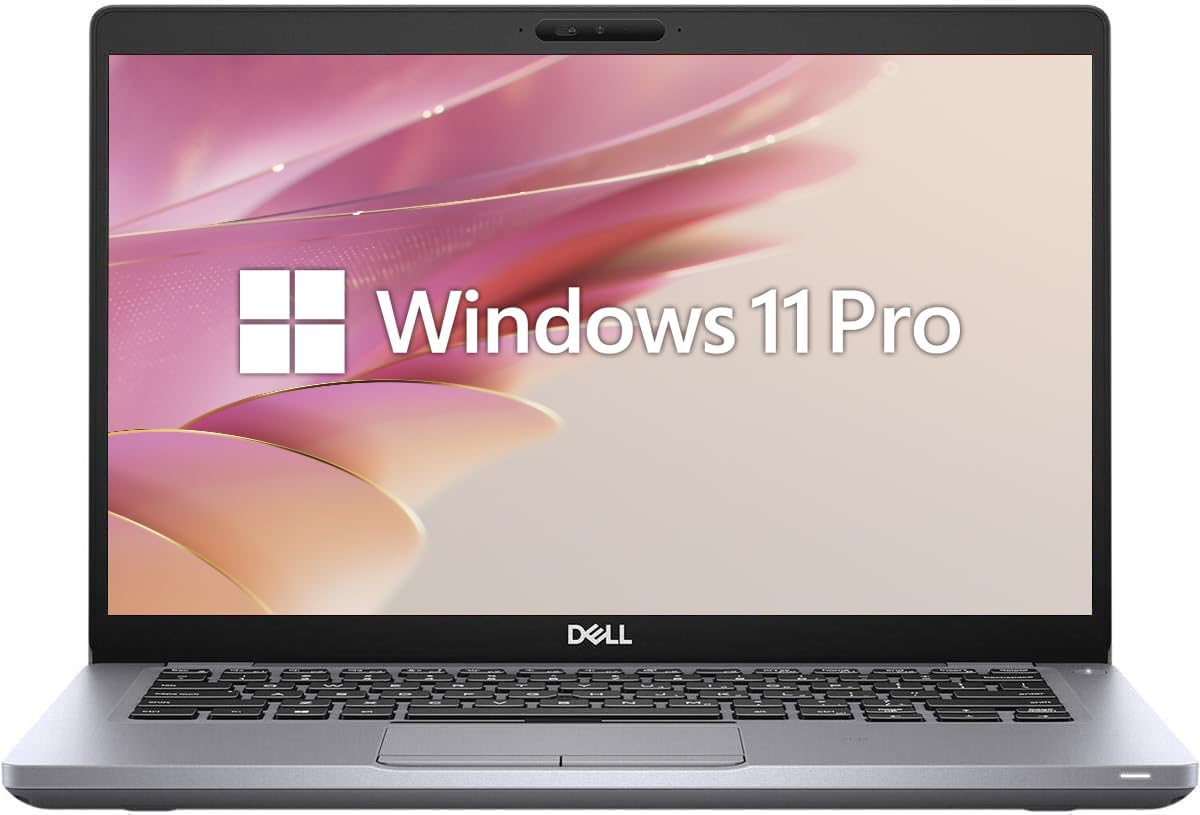
The Dell Latitude 3420 earns our Editor's Choice for balancing performance and professional connectivity features. It brings enterprise level hardware to a more accessible price point.
We may earn a commission when you buy through this link, at no additional cost to you.
Featuring an 11th Gen Intel Core i5 processor this laptop handles demanding multitasking and light content creation. The 16GB DDR4 RAM supports running multiple software tools simultaneously.
As a renewed unit buyers should inspect the device upon arrival for cosmetic wear. Battery life may be shorter than brand new equivalents but remains functional for daily office use.
This choice is perfect for businesses needing durable machines without high costs. The Ethernet port ensures stable network access for critical applications and file sharing.
The i5 1135G7 with Turbo Boost up to 4.2GHz delivers seamless performance for office and development tasks.
Ports include USB-C HDMI and RJ-45 Ethernet enabling flexible docking and external monitor setups.
We may earn a commission when you buy through this link, at no additional cost to you.
The Dell Latitude 5410 offers a solid foundation for professional work with essential wired connectivity. It is designed for reliability in enterprise environments.
We may earn a commission when you buy through this link, at no additional cost to you.
Its 10th Gen Intel Core i5 processor paired with 16GB RAM ensures smooth operation for most business applications. The 512GB SSD provides generous space for operating systems and user data.
Users report mixed experiences likely due to the renewed nature of these units. Performance remains adequate but power efficiency may lag behind newer 11th or 12th gen processors.
Select this if you need a compact 14 inch business laptop with an Ethernet port. It supports domain joining and BitLocker encryption for secure corporate deployments.
The 14 inch Full HD screen offers vivid clarity suitable for long work sessions and video conferencing.
USB Type-A Type-C HDMI and Ethernet ports eliminate the need for external adapters during presentations.
We may earn a commission when you buy through this link, at no additional cost to you.
The Lenovo V15 G6 brings updated 2026 business features including DDR5 memory and an Ethernet port. It balances cost with essential connectivity for remote workers.
We may earn a commission when you buy through this link, at no additional cost to you.
Powered by the Intel N100 quad-core processor it manages daily productivity tasks effectively. The DDR5 RAM improves bandwidth for faster application responsiveness compared to older DDR4 units.
While it lacks Windows 11 Pro some users might miss specific enterprise features like BitLocker. However the included TPM 2.0 still provides strong hardware security for sensitive data.
This model is a great pick for general office use where wired network access is required. Its compact size and durability make it easy to carry between offices.
DDR5 RAM ensures smooth performance for multiple applications while PCIe NVMe SSD offers fast boot times.
Firmware TPM 2.0 encryption and privacy shutters safeguard data against unauthorized access and visual spying.
We may earn a commission when you buy through this link, at no additional cost to you.
This variant of the V15 Gen 4 offers 16GB RAM for superior multitasking while keeping storage practical. It is excellent for users running multiple virtual machines or heavy browsers.
We may earn a commission when you buy through this link, at no additional cost to you.
The AMD Ryzen 3 7320U processor provides strong performance for its class. It includes Wi-Fi 6 and Ethernet for flexible network options depending on current requirements.
Storage might be a constraint for large media files but external SSDs are easy to connect. The precision touchpad supports gestures making navigation intuitive without a mouse.
Ideal for business users who need stability and security. The webcam shutter and TPM chip help maintain privacy and data safety in shared workspaces.
16GB of LPDDR5 memory allows running multiple apps without slowdowns during heavy daily workloads.
The business touchpad supports multi-finger gestures for precise control and easy window management.
We may earn a commission when you buy through this link, at no additional cost to you.
The ThinkPad P14s is the ultimate premium choice for professionals needing AI acceleration and top tier build quality. It retains the Ethernet port alongside modern high speed interfaces.
We may earn a commission when you buy through this link, at no additional cost to you.
Featuring the AMD Ryzen AI 7 Pro with NPU this laptop handles AI workflows locally. The ISV certification ensures stability for engineering software like AutoCAD and SOLIDWORKS.
The price reflects its specialized target audience but offers significant speed advantages for complex data tasks. Thunderbolt 4 and Wi-Fi 7 make it future proof for next gen docking stations.
Invest in this if your work demands certified reliability and high performance. The Gigabit Ethernet ensures you never lose connection during critical presentations or data transfers.
Built-in AMD XDNA 2 NPU accelerates AI tasks improving productivity without heavy cloud dependency.
ISV certified compatibility and ThinkShield security provide robust protection for enterprise assets.
We may earn a commission when you buy through this link, at no additional cost to you.
This HP 14 model offers an attractive price point but requires a USB-to-Ethernet adapter for wired connections. It serves well for students or light home office work.
We may earn a commission when you buy through this link, at no additional cost to you.
The Intel N150 processor manages basic browsing and document editing smoothly. Including a year of Office 365 adds value for users needing Microsoft software immediately.
With only 4GB RAM heavy multitasking may cause slowdowns but it is sufficient for single task flows. Users requiring Ethernet must purchase a separate adapter which adds to the setup.
Choose this for casual work where Wi-Fi is primary. If a native Ethernet port is critical verify alternatives in our list to avoid extra peripherals.
A full year of Office 365 is included making it ready for productive use out of the box.
The micro-edge 14 inch screen provides a comfortable view for browsing and reading documents.
We may earn a commission when you buy through this link, at no additional cost to you.
The V15 Gen 4 with H series processor delivers high performance for demanding tasks. It includes an Ethernet port and solid memory specifications for business workflows.
We may earn a commission when you buy through this link, at no additional cost to you.
The Intel Core i5-13420H offers 8 cores and up to 4.6GHz turbo boost. This handles video conferencing and data analysis more effectively than U series chips.
Battery life may be reduced due to the higher power CPU but performance is worth it for stationary use. The Windows 11 Pro allows for advanced network management features.
Select this model if speed is your priority over portability. It is ideal for desktop replacement scenarios where you need reliable wired internet connectivity.
The 13th Gen i5 H series offers significantly higher speeds than typical budget business laptops.
Full size keyboard with numeric keypad facilitates quick data entry and navigation.
We may earn a commission when you buy through this link, at no additional cost to you.
The HP 17 Business brings a large 17.3 inch display for comfortable multitasking. It retains the Ethernet port essential for stable office networking.
We may earn a commission when you buy through this link, at no additional cost to you.
Powered by a 6-core AMD Ryzen 5 processor it handles spreadsheets and media consumption with ease. The integrated Wi-Fi 6 and Ethernet offer flexible connection options.
Users needing high portability might find the size cumbersome for travel but it works well as a stationary station. Windows Copilot AI helps automate routine tasks for efficiency.
Perfect for users who prioritize screen real estate for multiple windows. The HDMI and USB ports enable easy expansion for external monitors and peripherals.
The 17.3 inch FHD anti-glare screen provides plenty of workspace for detailed work.
Windows 11 with Copilot integration simplifies tasks and optimizes workflows automatically.
We may earn a commission when you buy through this link, at no additional cost to you.
Selecting a laptop with a built-in Ethernet port involves considering specific factors beyond just the presence of the RJ45 connector. These elements determine long term performance and workflow efficiency.
Most modern business laptops include a Gigabit Ethernet (RJ-45) port supporting speeds up to 1000 Mbps. Ensure the port is physically present on the chassis to avoid needing a USB adapter.
Verify that the port supports Gigabit speeds to maintain fast file transfers and stable video calls without network congestion.
Choose a processor that matches your workload. U-series chips are power efficient for basic office work while H-series chips provide higher speed for intensive tasks.
Match the CPU tier to your software needs to prevent slowdowns during multitasking or virtual meetings.
At least 16GB of RAM is recommended for smooth operation of modern web browsers and business applications. 8GB may suffice for lighter tasks but multitasking can become sluggish.
Opt for DDR5 or LPDDR5 memory if possible for faster data access and improved energy efficiency.
SSDs are essential for fast boot times and quick application launches. Aim for at least 256GB capacity though 512GB offers more breathing room for files.
PCIe NVMe SSDs provide superior speed compared to older SATA SSDs ensuring your system remains responsive.
Business laptops often undergo military-grade MIL-STD-810H testing to withstand drops and temperature variations. This ensures longevity in varied environments.
A durable chassis protects your investment and maintains port integrity which is critical for Ethernet connectivity.
Windows 11 Pro offers features like BitLocker encryption and Remote Desktop that are valuable for security and remote work.
If security compliance is required ensure the device includes the Pro version or supports domain joining.
Alongside Ethernet check for sufficient USB-A and USB-C ports to connect peripherals without adapters. HDMI output is also crucial for external displays.
A balanced mix of ports increases versatility and reduces reliance on dongles during daily use.
Even with Ethernet having Wi-Fi 6 ensures you can stay connected when wired options are unavailable. It provides faster speeds and better stability than older Wi-Fi standards.
Use Wi-Fi for mobility and Ethernet when docked to maximize overall network flexibility.
To use the Ethernet port plug one end of a Cat5e or Cat6 cable into the laptop's RJ-45 socket and the other into your router or wall jack. Most modern laptops will automatically switch to wired connection upon detecting the link.
Keep the Ethernet port clean and free of dust by using compressed air periodically. Avoid forcing cables into the port and inspect the connector for bent pins if the link fails.
Store your laptop in a protective case when transporting to prevent physical damage to the side ports. Regularly update network drivers via the manufacturer's website to ensure maximum connection stability.
An Ethernet port provides a reliable and secure wired connection essential for stable video calls and large file transfers. It reduces latency and interference compared to wireless signals in busy networks.
Most modern consumer laptops have omitted Ethernet ports to save space but many business models still include them. Always check specifications carefully before purchase if wired connectivity is a priority.
Yes you can use a USB to Ethernet adapter to add Gigabit connectivity to laptops without built-in ports. These adapters are inexpensive but a native port offers better durability and speed.
Yes wired connections are generally more secure than Wi-Fi because they are harder to intercept. Many business laptops include additional security chips to protect data transmitted over the network.
Use a Cat5e or Cat6 cable to support Gigabit speeds of up to 1000 Mbps. These cables are widely available and compatible with all standard RJ-45 Ethernet ports on laptops.
Refurbished business laptops often offer excellent value and typically include Ethernet ports. Ensure the device comes with a warranty and check the condition of ports before finalizing your purchase.
We have explored ten top laptops with Ethernet ports ranging from budget options to premium workstations. The Lenovo V15 Business offers the best budget value while the ThinkPad P14s leads in professional performance.
Prioritize your specific needs such as RAM capacity or processor speed when making your final decision. Business models generally provide better durability and security features than consumer alternatives.
Prices and availability change so check the current links for the latest deals and configurations. Verify the presence of the Ethernet port on the product image before completing your order.